Creating a VSME Report
Create a new VSME report to document your organization's sustainability performance using the simplified reporting framework. Before you start, make sure you have gathered the necessary supporting documents.
Document requirements
Having the right documents ready before you begin will significantly speed up the report creation process and improve the quality of AI-generated answers.
Must-have documents
The following documents are required to complete a VSME report:
- Annual report — Must match the VAT number and reporting period of the entity being reported on.
- Comprehensive list of sites — All operational sites with their physical addresses.
- Waste registry or environmental logs — Records of waste generated and disposed of during the reporting period.
- Social balance sheet — The detailed version, covering workforce composition, training, and social metrics.
- External and internal prevention services reports — Reports from your occupational health and safety services.
- Pay-gap information — Data on gender pay-gap within your organization.
If available
The following documents are not strictly required but will enrich your report and improve the completeness of your disclosures:
- Business or sustainability strategy documents
- Risk management policy
- Internal policies (e.g., environmental policy, human rights policy, anti-corruption policy)
- Environmental or operating permits
- Sustainability certifications (e.g., ISO 14001, B Corp, EcoVadis)
- Carbon footprint reports
- Climate hazard assessments
- Energy performance certificates (EPC) for buildings
- Audit reports (financial or sustainability-related)
Upload all available documents at the start of the process. Karomia's AI uses your uploaded documents to draft answers, so the more complete your document set, the less manual editing you will need to do.
Create a new report
- Navigate to the VSME section from the main navigation (or the VSME dashboard).
- Click New Report.
- Enter a report name and select the reporting period.
- Click Create.
You will be guided through a setup wizard to configure your report.
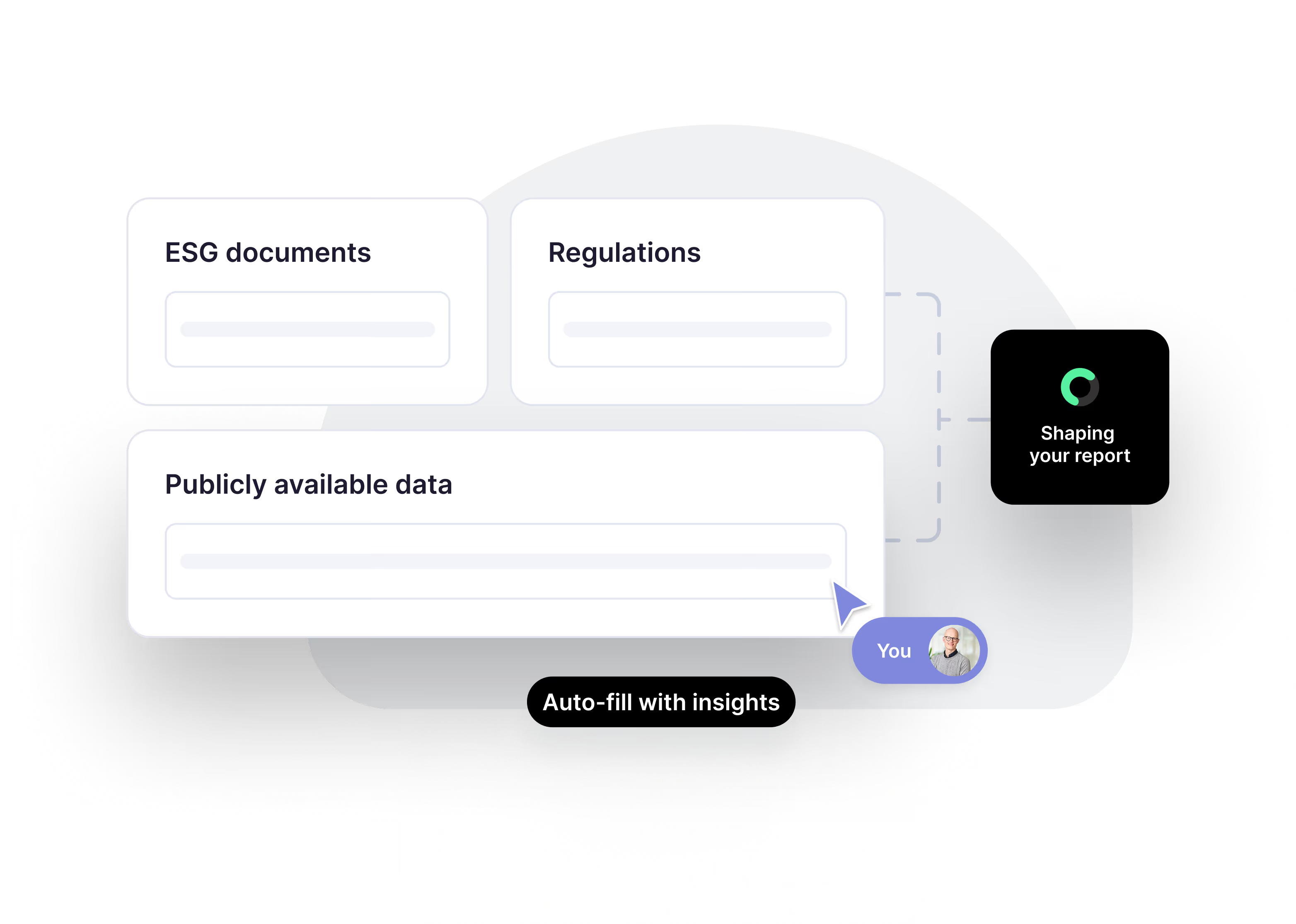
The VSME dashboard
The VSME dashboard provides an overview of all your reports:
- Active reports — Reports currently in progress.
- Completed reports — Previously finished reports.
- Quick actions — Create new reports or continue editing.
Report lifecycle
A VSME report follows this lifecycle:
- Setup — Configure scope, select assessment, define company context, choose subtopics.
- Writing — Draft your sustainability disclosures in the editor.
- Review — Review the complete report before finalizing.
- Export — Generate the final PDF.
You can duplicate an existing report to use it as a starting point for a new reporting period. This saves time by retaining the structure and any still-relevant content.
Next steps
- Report setup — Configure your report scope and subtopics.