Creating a Report
Before you begin writing your sustainability report, you need to define its scope. Karomia helps you determine which of the 1,000+ CSRD data points are relevant to your organization, so you only work on what matters.
Understanding data point exclusions
Not all CSRD data points apply to every organization. Karomia categorizes data points into five exclusion types to help you focus on what is required:
Optional data points
Data points marked as "may disclose" in the ESRS standards. These are voluntary and can be excluded without justification.
Phase-in data points
Certain data points are phased in during the initial years of CSRD reporting. Some phase-in exemptions apply only to companies with fewer than 750 full-time employees (FTE). If your organization qualifies, these data points can be deferred to later reporting periods.
Conditional data points
Data points that depend on your organization's specific context. For example, a data point about collective bargaining agreements only applies if your workforce is covered by such agreements.
Alternative data points
Groups of data points where only one needs to be answered. For instance, you may choose between reporting a metric using one methodology or another.
PAT (Policies, Actions, and Targets)
If your organization does not have policies, actions, or targets in place for a particular disclosure requirement, you can exclude the entire disclosure requirement. In this case, you must provide an explanation of why these are not yet established.
Karomia defaults
When you create a new report, Karomia applies sensible defaults to streamline setup:
- Optional data points are excluded by default.
- Phase-in data points are excluded by default.
- Alternative data points have one option preselected.
- Conditional data points are predefined based on common scenarios.
You can adjust any of these defaults to match your organization's specific situation.
Creating a new report
To create a report:
- Navigate to Reports from the main navigation.
- Click New Report.
- Fill in the report details:
- Report name — A descriptive title for your report.
- Reporting period — The start and end dates the report covers.
- Average number of employees — This determines whether certain phase-in exemptions (for companies with fewer than 750 FTE) apply.
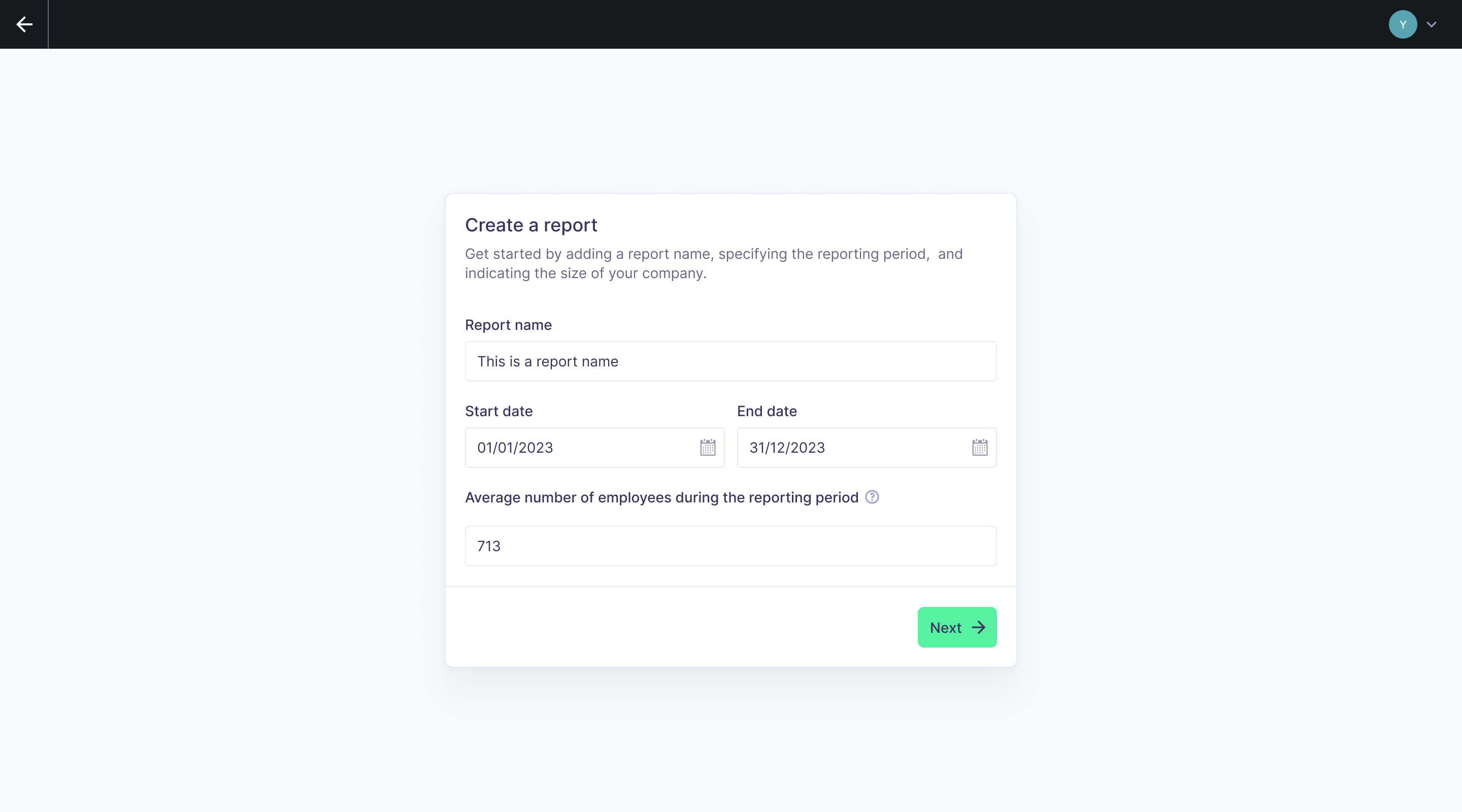
- Click Create to proceed to materiality configuration.
Materiality results
Your report's content is driven by which sustainability topics are material to your organization. Karomia offers two ways to configure this:
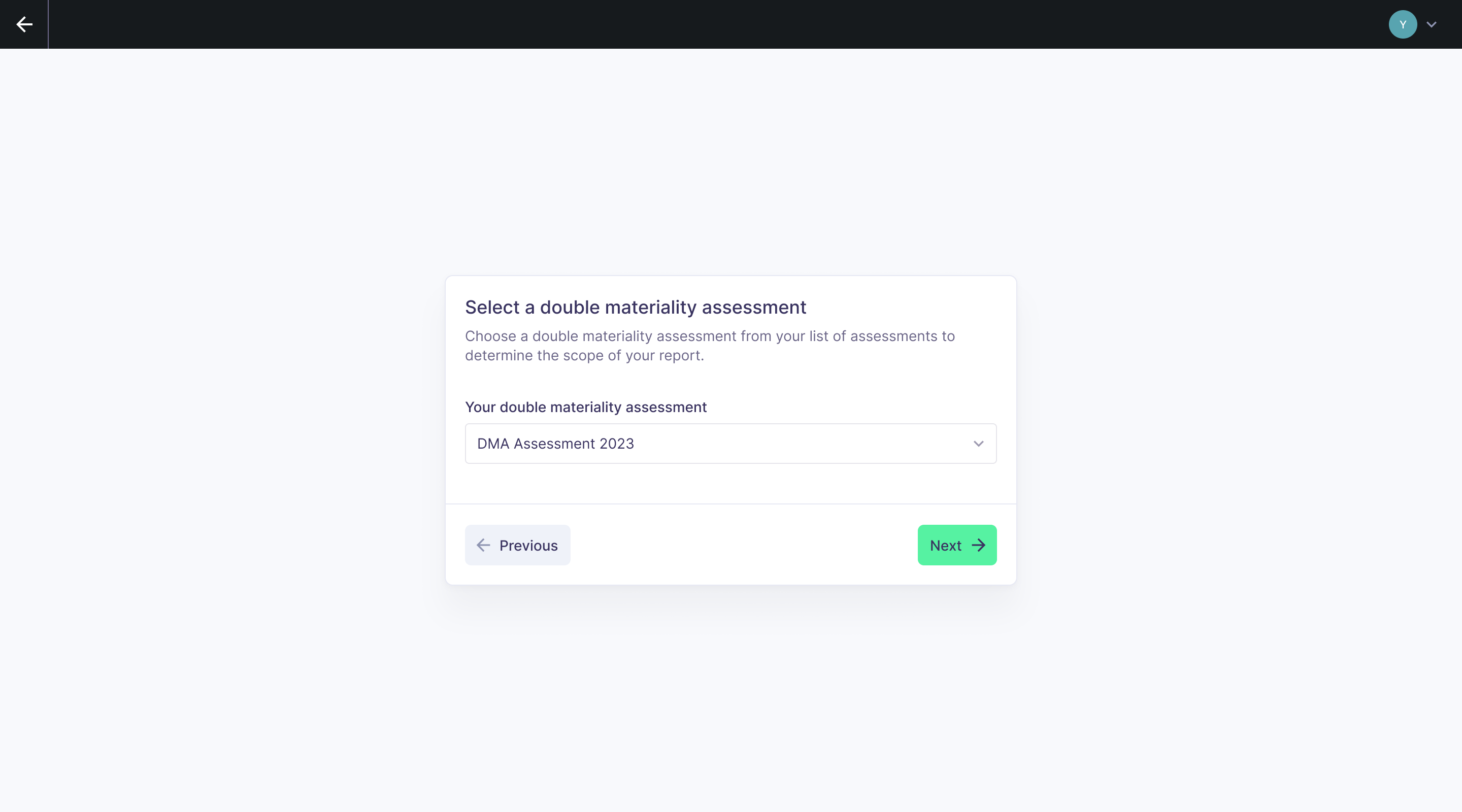
Import from Karomia DMA
If you have completed a Double Materiality Assessment in Karomia, you can import the results directly. This automatically selects the material subtopics and maps the corresponding ESRS disclosure requirements to your report.
Manual selection
If your DMA was performed outside of Karomia, you can manually select which subtopics are material. Browse the full list of ESRS subtopics and toggle each one on or off based on your assessment results.
Completing your DMA in Karomia before creating a report ensures seamless integration and reduces manual configuration.
Entity-specific disclosures
In accordance with ESRS 1, organizations may need to report on topics that go beyond the standard ESRS disclosure requirements. Karomia supports entity-specific disclosures, allowing you to:
- Add custom topics relevant to your organization or industry.
- Define custom disclosure requirements within those topics.
- Create custom data points with the appropriate data type (narrative, numerical, table, etc.).
To add entity-specific disclosures, use the provided Excel template. Upload the completed template during report creation, and Karomia will integrate your custom disclosures into the report structure alongside the standard ESRS data points.
Next steps
- Report editor — Start reviewing and completing your data points.
- Managing documents — Upload supporting evidence for your report.