Review questions and translations
Make sure every stakeholder reads a question they can answer, in a language they understand.
Introduction
Each selected IRO becomes one question. A stakeholder sees the question, a short context, the labels (type, horizon, actual or potential, value chain position) and a scoring scale. The clearer the question and context, the more reliable the scores. Stakeholders answer only one version of each question. You cannot phrase a question differently per stakeholder group, so write for the least informed reader who will receive it.
Steps
Step 1: Work in one language first
Do all your editing in your default assessment language. Translating a question that you later rewrite is wasted work.
Step 2: Review the question and the context
For each selected IRO check:
- Does the question ask about one thing only? Split it if it mixes two matters.
- Is the question neutral? It should not suggest an answer.
- Does the context give enough background for someone outside your company?
- Is the vocabulary right for your audience? See the complexity levels below.
Step 3: Choose the complexity level
Questions are generated at a standard level. Two alternatives exist:
| Level | For |
|---|---|
| Easy | Stakeholders with little knowledge of ESRS or of your company, for example customers or community representatives. |
| Standard | The default. |
| Complex | Experts in ESRS and your business, for example your sustainability team or auditors. |
The level applies to all questions. Tell us through the chat if you want to change it before you translate.
Step 4: Translate
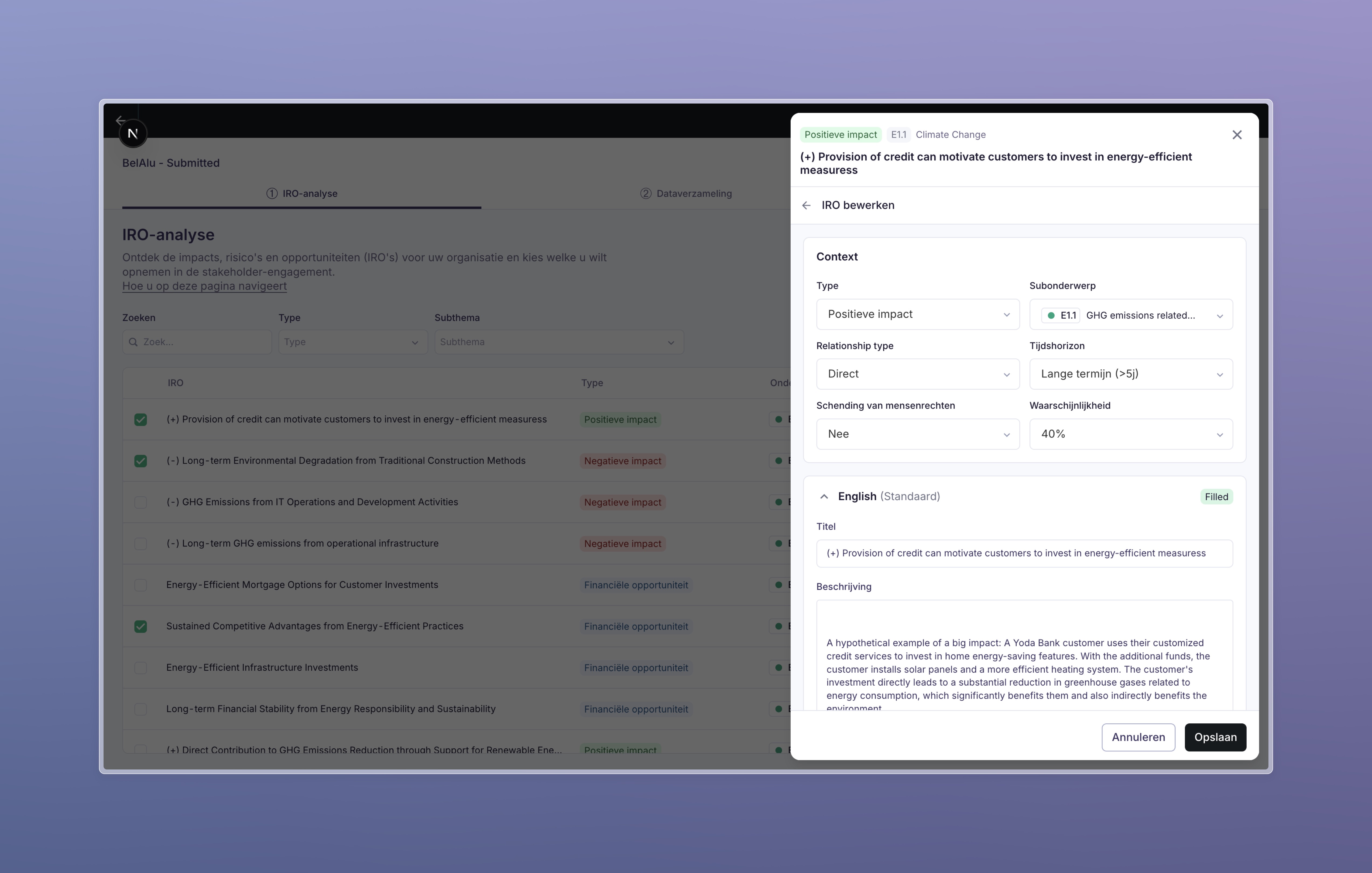
When your list and wording are final, use Fill all with translations in the IRO edit panel, or ask us to translate the whole assessment in one go. Questions and their context are machine translated from your default language into every other assessment language. Review the translations in the languages you can read, especially product names and company-specific terms.
If you add or change a question after translating, translate that question again. The translation does not update by itself.
Step 5: Preview as a stakeholder
Open a survey link without submitting to see exactly what a respondent sees, in each language. See How to send surveys.
Output
- One final question and context per selected IRO, in your default language.
- Every question translated into every assessment language, reviewed in the languages you can read.
- A questionnaire ready to be assigned to stakeholder groups.
Next: Plan your engagement.